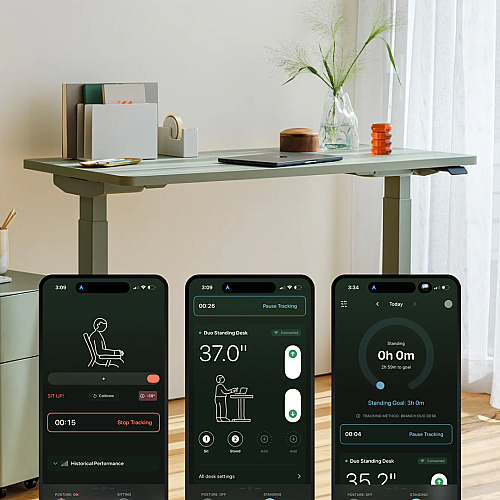
Here’s how most people use a standing desk: They set it up, stand for three hours straight on the first day, feel worse than when they were sitting, and lower it back down. After that, it becomes a very expensive fixed-height desk.
The desk wasn’t the problem. The problem is that it just sits there, waiting for you to figure it out on your own.
There’s a right way to do this. Ergonomists generally recommend working up to two to four hours of standing per day, alternating regularly between sitting and standing rather than doing either for too long. Posture matters just as much as the switch. So does timing. And without some kind of system telling you when to move, when to check your posture, and whether you’re actually building better habits, most people wing it and give up.
Branch built the Branch Ergonomics iOS app to close that gap.
What Standing Desk Users Get Wrong
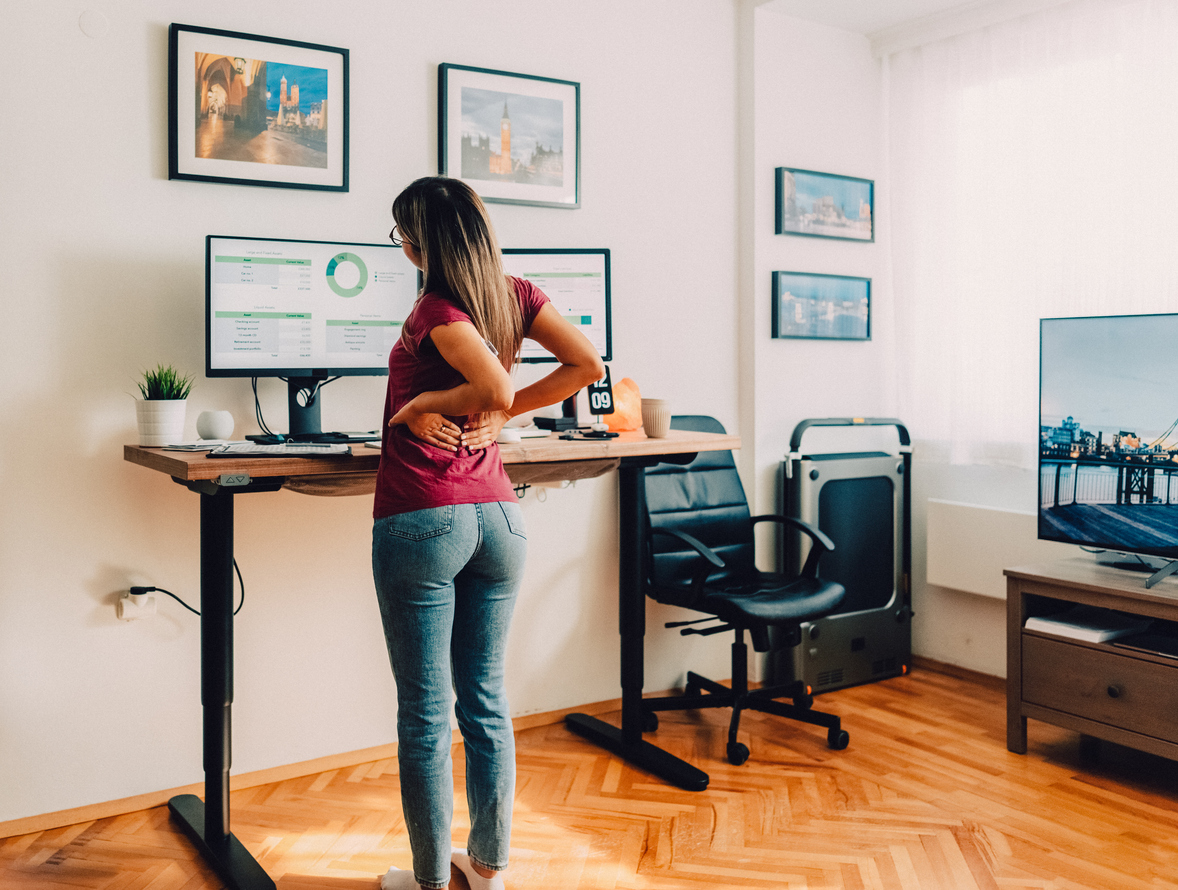
The mistakes are predictable because they’re human. You raise the desk for the first time and stand too long. Your feet hurt, your screen is now at the wrong height, and you’re hunching forward because you didn’t adjust your monitor when you adjusted the desk. By the afternoon, you’re back in your chair and not sure you’ll bother tomorrow.
Or the opposite: You raise it for 20 minutes in the morning, forget about it for the rest of the day, and wonder why nothing feels different after a few weeks.
A 2025 systematic review published in Human Factors found that sit-stand desk interventions reduced full-day sedentary time by approximately 78 minutes per day at six months. But those gains came from structured interventions. The interventions that worked combined a height-adjustable desk with behavioral prompts and coaching.
A related cluster RCT, published in Ergonomics (Silva et al., 2025), found that a six-month sit-stand desk intervention with motivational prompts significantly reduced musculoskeletal discomfort (p = 0.018) and post-work fatigue (p = 0.013). Its parent trial in Work (Júdice et al., 2024) also observed within-group improvements in body fat, post-work recovery, and quality of life among intervention participants.
The desk creates the opportunity. The prompts and coaching are what actually change behavior.
What the Branch Ergonomics App Does
The Branch Ergonomics app is available free on iPhone. It addresses the specific mistakes most standing desk users make with real-time feedback tied to how you’re actually moving (or not).
It catches your posture before your back does.
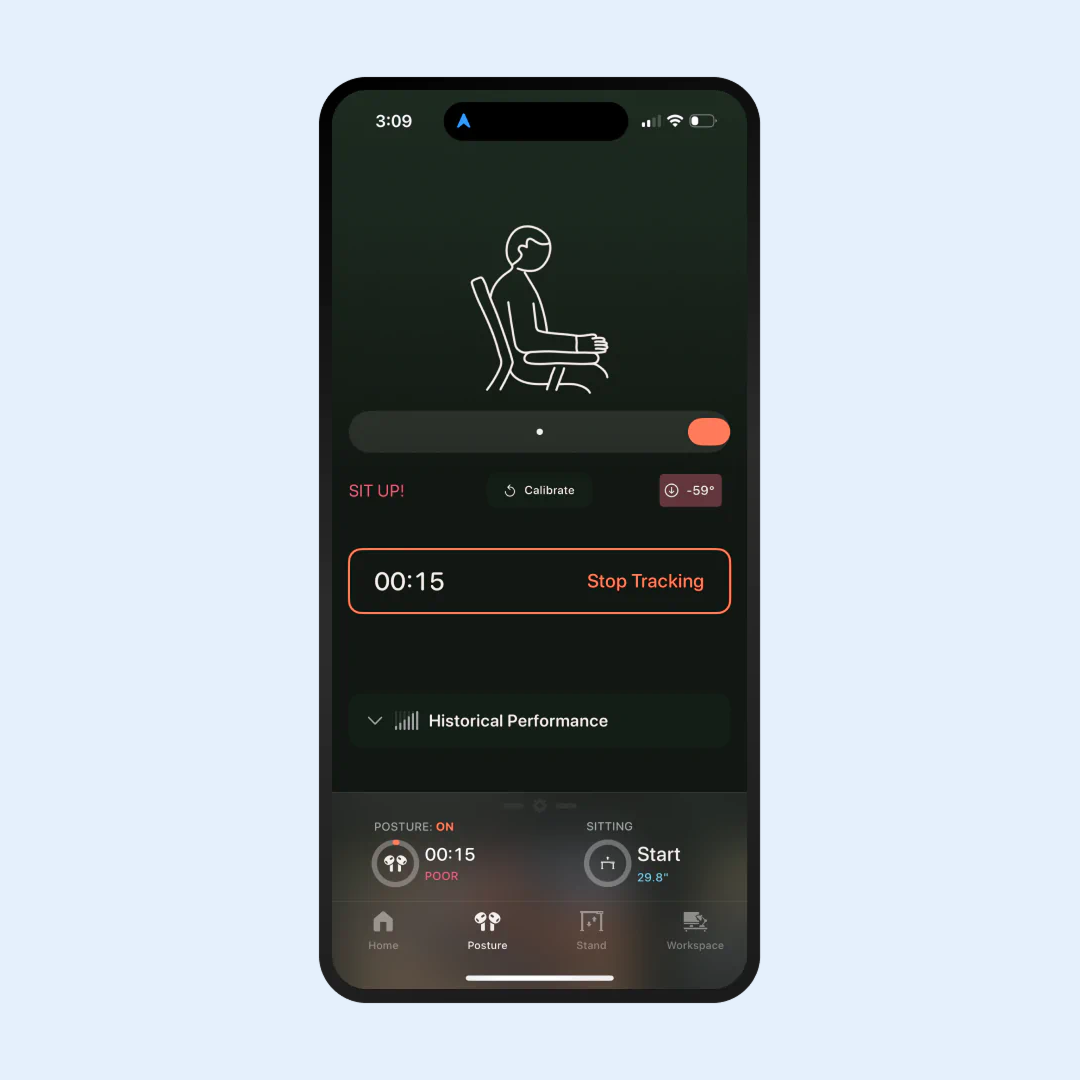
Pair your Apple AirPods (Gen III+ or any Pro/Max model) with the app, and it monitors your posture in real time, sending a gentle alert when you start to slouch. The desk goes up, the screen stays where it was, and you hunch forward without noticing. This is the most common mistake, and the app catches it the moment it happens, not three days later when your neck is sore.
It tracks whether you’re actually alternating.
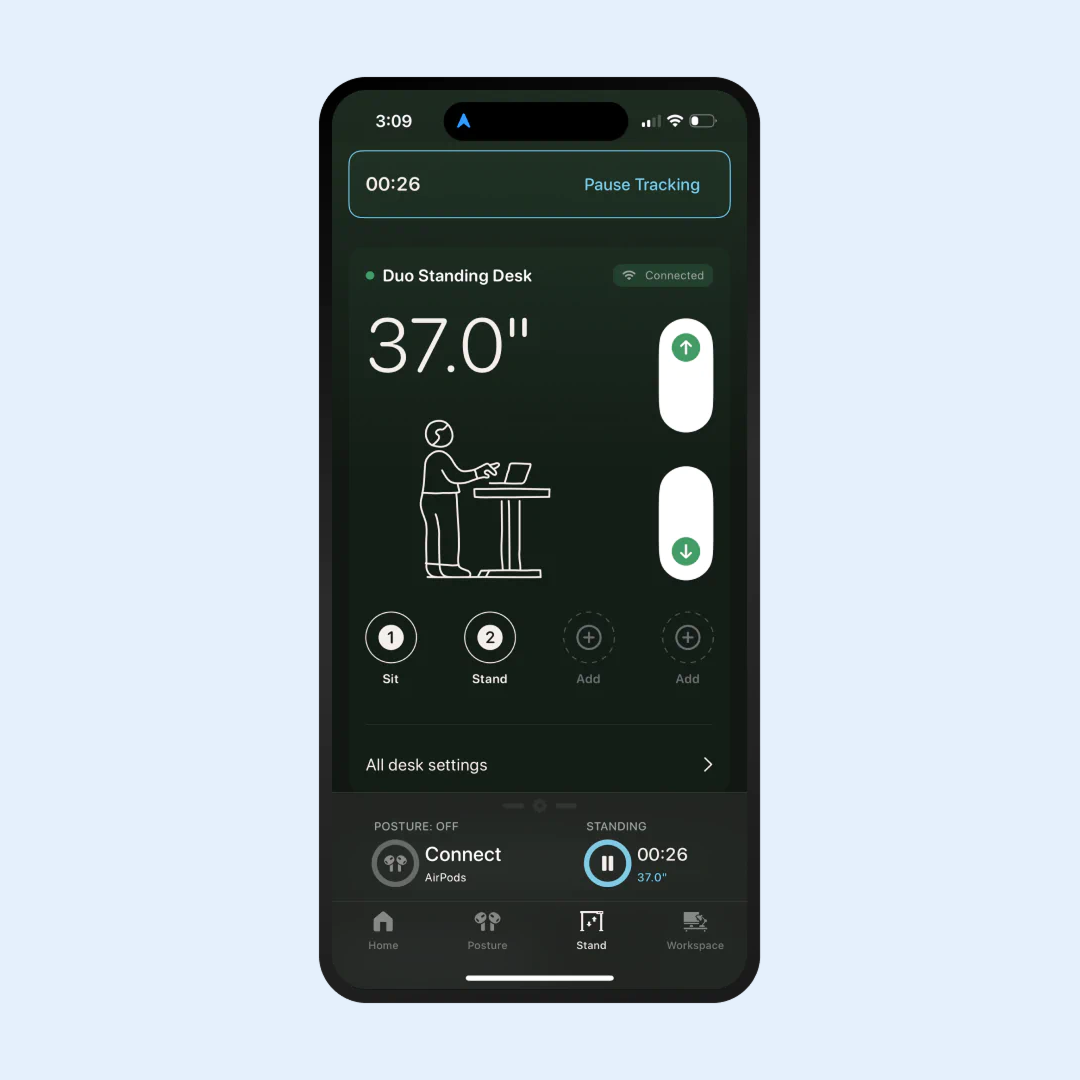
Connect the Bluetooth Adapter ($19), and the app automatically logs your sitting and standing time throughout the day. No manual input. Just an accurate record of what actually happened and whether you’re building toward that two-to-four-hour standing target or defaulting to sitting all morning.
Your Apple Watch can’t tell you this. It awards stand credit based on wrist movement, not body position, which means it can log you as sitting while you’re upright at a raised desk and as standing while you’re seated and waving your arms. The Branch Ergonomics app knows whether the desk is actually raised.
The free tier tracks up to 30 minutes of sitting and standing per day and includes workspace assessments and daily tips. Upgrade to Premium ($19.99/year or $3.99/month), and that cap disappears. You get unlimited tracking, scheduled stand sessions, and Google Calendar integration.
It gives you a score you can improve.
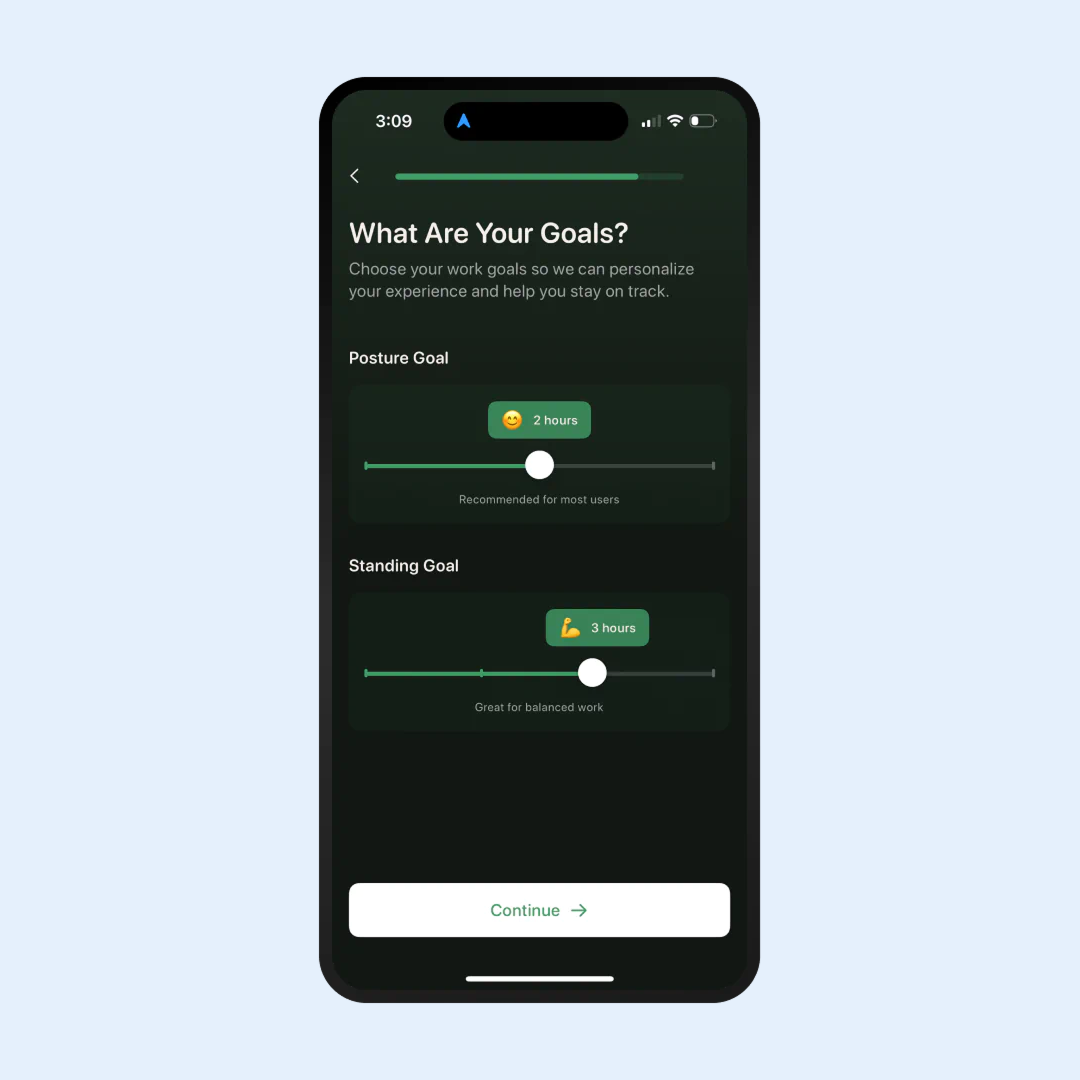
The app combines posture quality, standing time, and movement variability into a daily Work Score. It’s the same mechanic that makes fitness trackers habit-forming: a single number you can watch improve as you get better at this. If you had a good day, you know it. If you sat through your entire afternoon, you know that, too.
It reminds you before you forget.
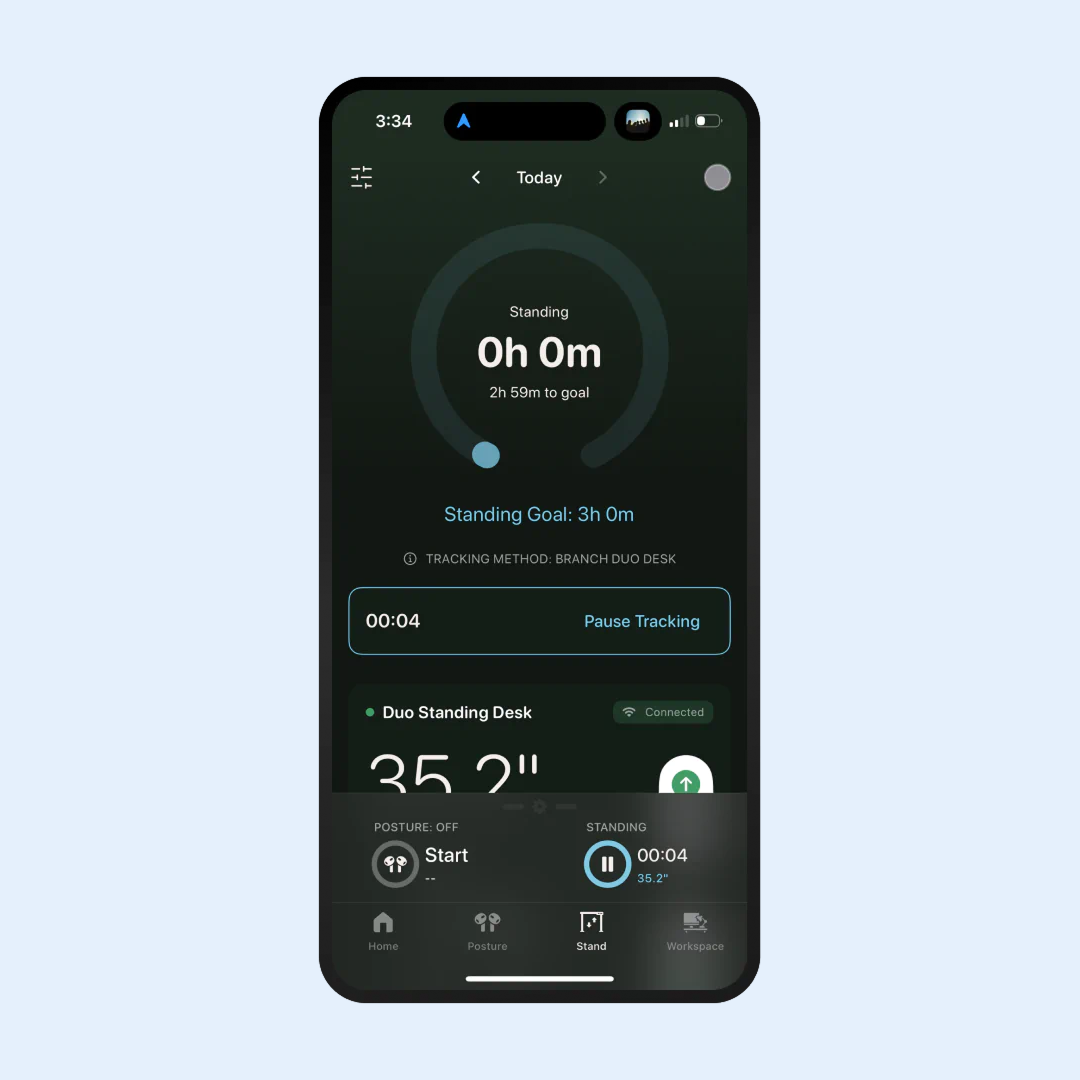
Premium users can schedule standing sessions synced to Google Calendar or enable Desk Notify, a gentle vibration reminder before a meeting. That’s a physical nudge from the desk itself, right when you need it.
A 2025 meta-analysis in the International Journal of Behavioral Nutrition and Physical Activity (Leppe-Zamora et al., 2025) reviewed 18 randomized controlled trials and found that computer prompt interventions effectively reduced workplace sitting time compared to no intervention. The Branch Ergonomics app is built on exactly this mechanism, with posture data and real-time feedback added on top.
The Desk That Works With It
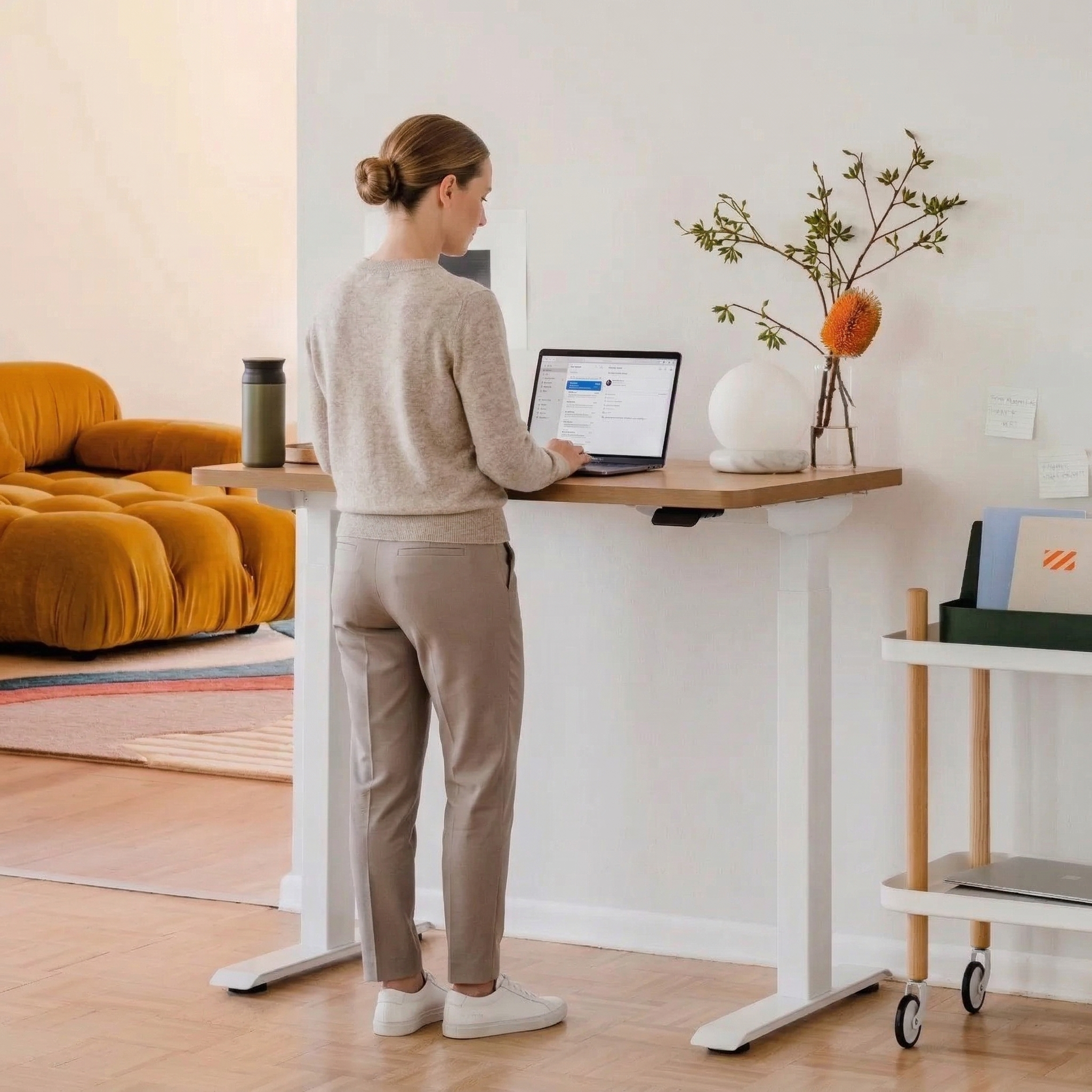
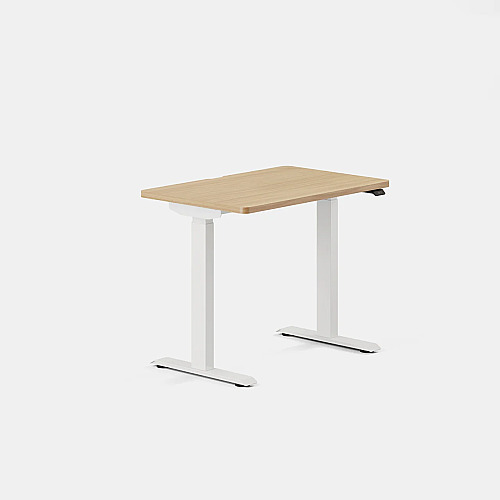
The app’s full feature set depends on the right hardware. The Duo Standing Desk from Branch was designed with this integration in mind.
Starting at 36” × 24”, it fits spaces from studio apartments to flex offices without dominating either. The frameless design meets BIFMA commercial-grade standards, lifts up to 275 pounds, and is controlled by an OLED paddle with two memory presets, built-in sit-stand reminders, and collision detection. Dual low-decibel motors handle transitions quietly, and the desk is backed by a 10-year warranty. It’s also a Wirecutter Top Pick.
At $549, it’s already competitive. Add the $19 Bluetooth Adapter and a $19.99 annual Premium subscription, and the full coaching system—desk, tracking, and real-time posture feedback—comes in under $590 for the first year.
The Difference Between Owning a Standing Desk and Using One
Most standing desks work fine. The problem isn’t the hardware. It’s the follow-through: the forgetting, the slouching, the standing too long on day one and then sitting for the rest of the week because your feet hurt.
The Branch Duo + Branch Ergonomics app treats your workday like a fitness tracker treats your activity: data worth measuring, habits worth building, and a score worth improving. You don’t have to figure out the right rhythm on your own. The desk moves when it should. The app tells you when your posture drifts. The data shows whether any of it is actually working.
If it doesn’t work for you, send it back within Branch’s 30-day return window. But the data might convince you otherwise.
This article is for informational purposes only and is not intended as medical advice. Product details, pricing, and availability were verified at the time of publication and are subject to change without notice.






Leave a Comment
Your email address will not be published. Required fields are marked *